From city to building: raster tiles get more detailed
Until now, raster maps were mostly used in 2GIS's B2C scenarios: finding an organization, planning a route, getting your way in a neighborhood. Zoom level 16 is usually enough for that, as it gives a general sense of a place.
B2B tasks have different detail requirements. When a team is choosing a site for a facility, assessing an area, preparing a field visit, or working with infrastructure, a general view of the block isn't enough. You need to zoom in and examine a specific plot.
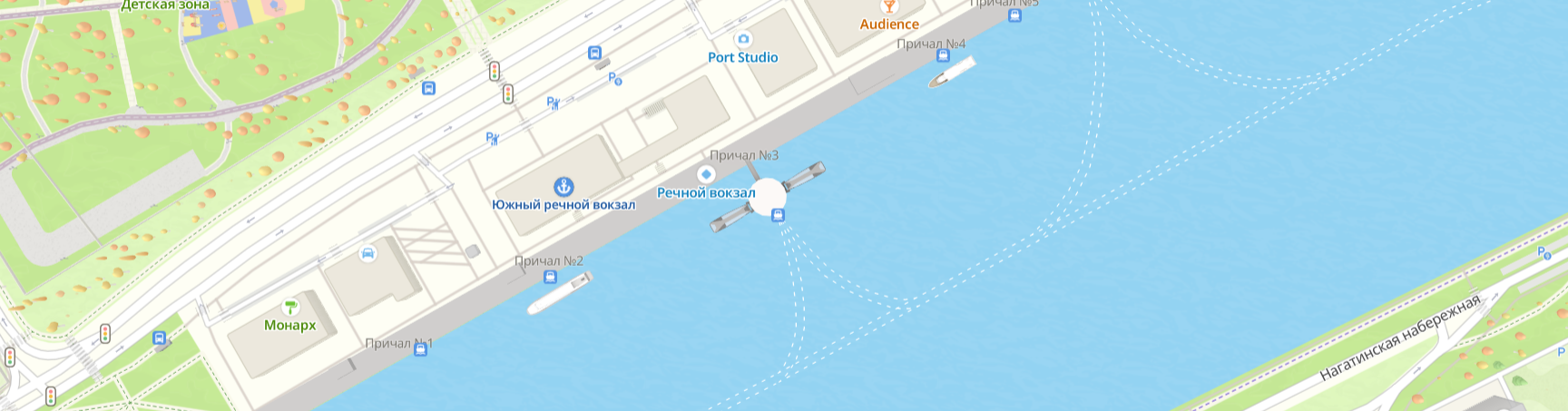
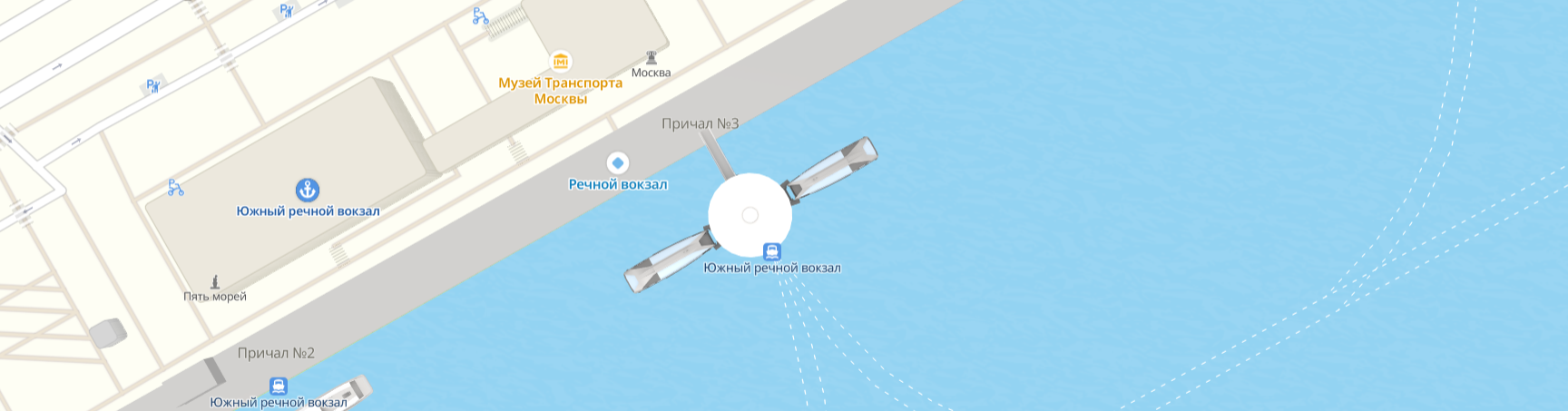
We've raised the maximum zoom level for raster tiles (Raster Tiles API service) from 16 to 18, and to 20 in a number of key locations. This is an important step in the development of our mapping platform. B2B clients now get more precise visual context, can better adapt maps to professional scenarios, and can make decisions based on details rather than just a general overview of the area.
What's changed
Zoom 16
Zoom 18
Zoom 20
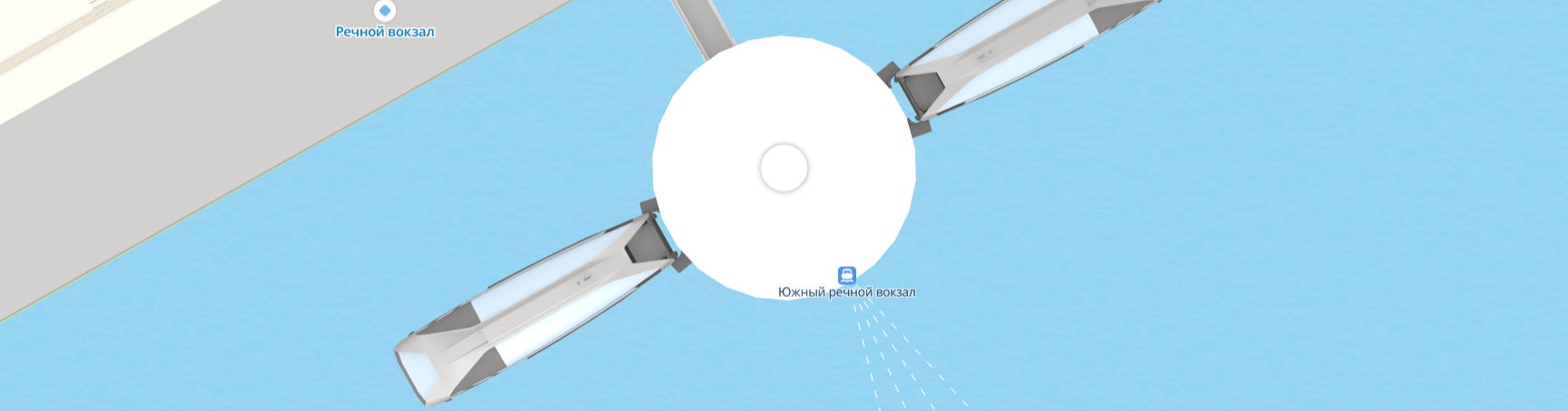
Zoom 20 is four additional levels of scale. It lets you move from an overview of a district to working with the territory at the level of individual objects and their surroundings.
| Zoom level | What you see | Resolution (m/pixel) | Main use |
|---|---|---|---|
| Zoom 16 | Individual buildings and streets, all the information needed for navigation | ~2.4 m | Navigation, general area overview, B2C scenarios |
| Zoom 20 | Building construction details, architectural elements, precise roof outlines | ~0.15 m | Professional B2B tasks: last-mile logistics, surveying, construction |
The raster format remains convenient and versatile for existing applications. You don't need to rewrite your app or switch to vector maps: raster tiles work as before, they just zoom in further.
The map also stays smooth despite the high level of detail: it scrolls and zooms quickly. Find out how to connect raster tiles in the documentation.
What this makes possible
A higher zoom level expands the potential of map integrations in B2B products:
- More precise operator interfaces. The map can show objects and service areas in greater detail, together with their surroundings.
- Better location analysis. Users grasp the specifics of a site faster without losing context as they zoom in.
- Clearer communication. A detailed base map helps you discuss objects with clients, partners, and field teams in a shared visual language.
- A foundation for specialized products. With this level of detail, the map can be used wherever working with the territory itself matters, from logistics and geoanalytics to facility operations.
Where it comes in handy
- Last-mile logistics and field crews. Couriers and delivery services need to see exact entrances, unloading zones, and building layouts. This helps optimize routes and spend less time looking for the right entrance.
- Property management and real estate agents. A detailed view of a building and its surroundings helps you better assess a property and its environment.
- Urban infrastructure planning. Close study of existing objects helps plan new construction and modernize the urban environment.
- Surveying and cadastre. Determining plot boundaries and working with detailed area plans becomes noticeably easier and more accurate.
- Construction and architecture. At the planning stage, you can closely examine the terrain, existing buildings, and their exact outlines. This supports better-informed decisions and reduces risk during the design phase.
What's next
We'll keep expanding high-resolution tile coverage. If you need a specific level of detail in your region, let us know and we'll factor it into our plans.
Raster Tiles API is the 2GIS raster map service for websites and apps. You can get an API key in your Platform Manager account, and find connection instructions and details on tiles and zoom levels in the documentation.