Skills
The documentation provides a description of the interface in Russian.
Skills determine which tasks an agent can perform. A task can be assigned to an agent during a shift if they have all the required skills to perform the task.
For example, you can assign the Refrigerating chamber skill to agents (vehicles) and specify it when creating a task for transporting perishable goods. This task can be assigned to agents with the Refrigerating chamber skill.
With the Main administrator, Company administrator, and Dispatcher roles, you can work with skills on the Management → Skills tab:
With the Agent group manager role, you can view the list of skills and information about them.
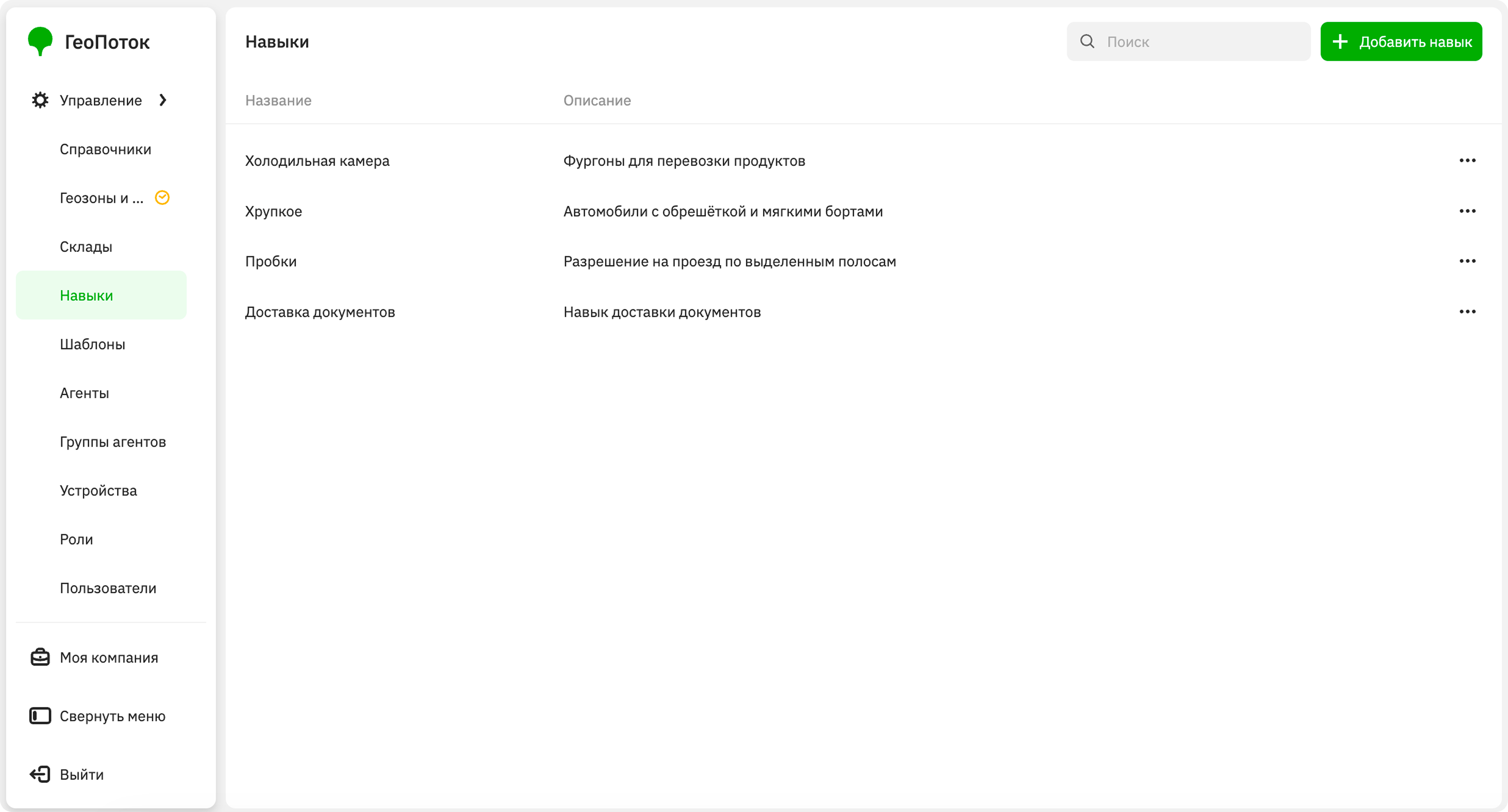
Creating a skill
-
Go to the Management → Skills tab.
-
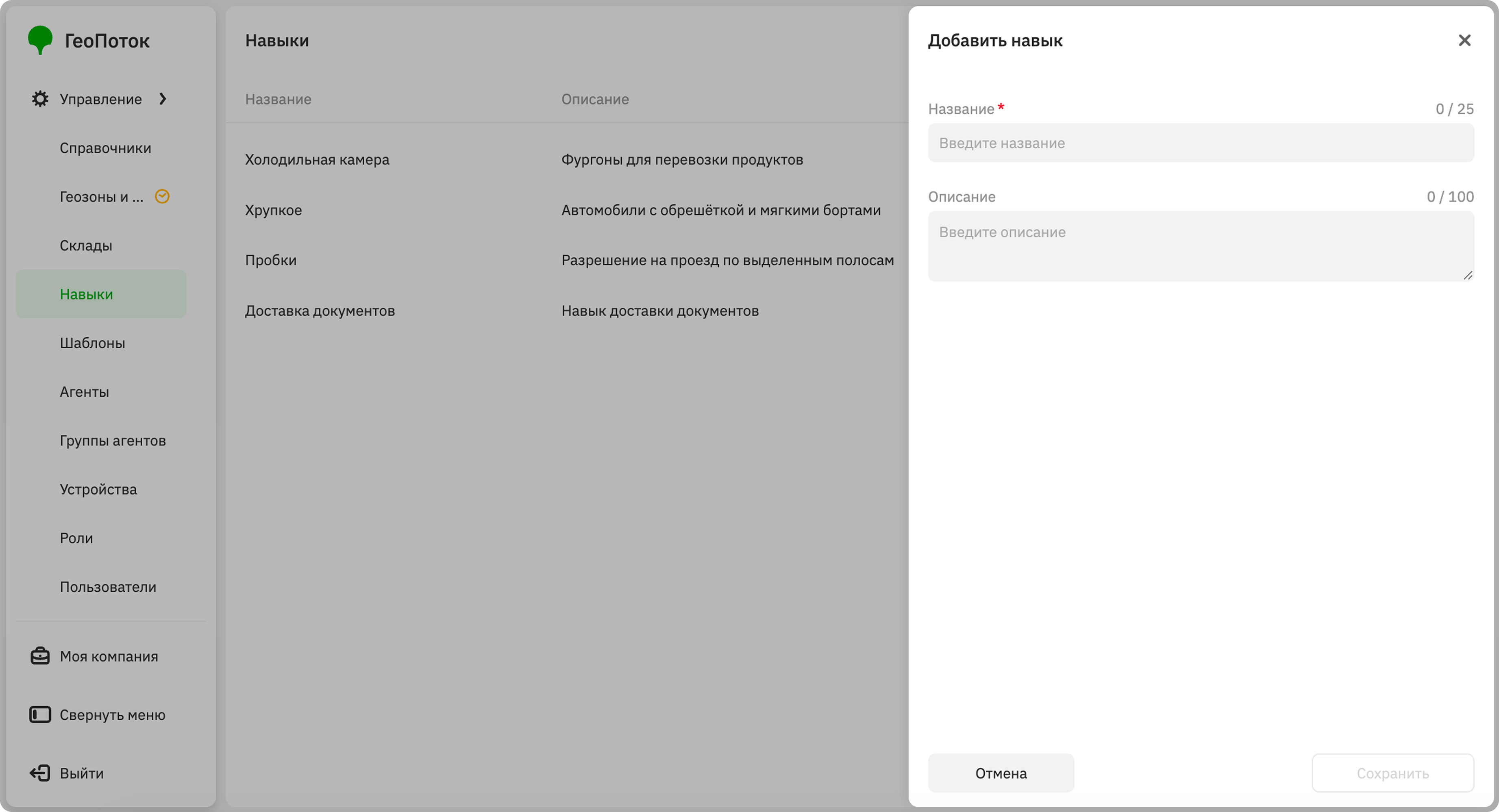
Click Add skill.
-
Specify the skill parameters:
- Name (mandatory parameter): skill name.
- Description: skill description.
-
Click Save.
When creating an agent template or task template, you can add an attribute with the Skills data type. When creating an agent or task from this template, you can select the types of skills in the corresponding field. You can specify up to 50 skills for one agent and one task.
Editing a skill
You can edit the name of the skill and its description.
- Go to the Management → Skills tab.
- In the skill row, click
 icon and select Edit.
 - Apply changes to the skill.
- Click Save.
Deleting a skill
A skill will be removed from all tasks and agents for which it was specified.
- Go to the Management → Skills tab.
- In the skill row, click icon and select Delete.
- Confirm the deletion.