Tasks
Localization
The documentation provides a description of the interface in Russian.
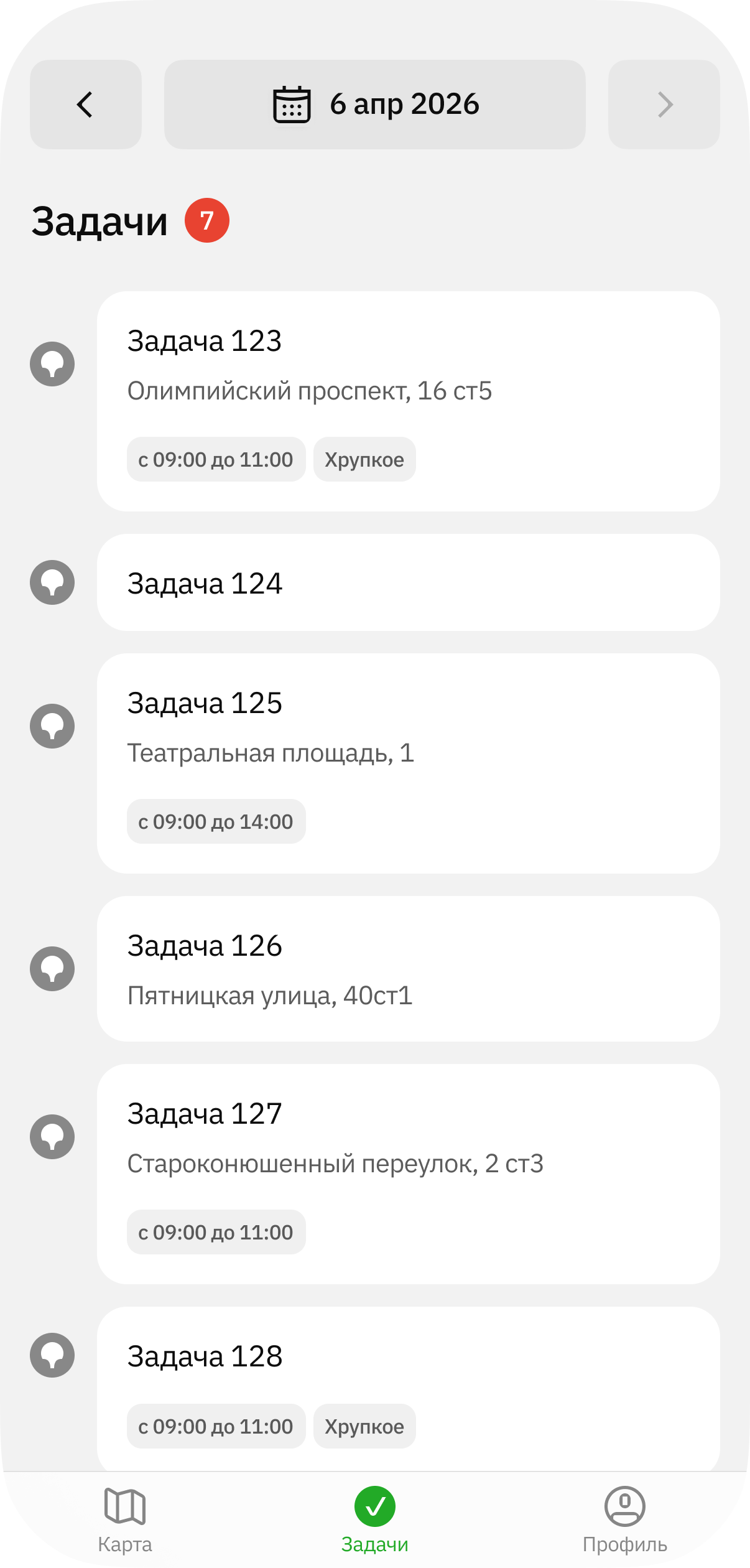
The mobile application Tasks tab displays a list of tasks for an agent during a shift.
The task cards display the data specified by the administrator when creating the task (for example, completion time, required skills, etc.). For more details, see the Administrator guide.
Getting started
To start working on a task:
-
Go to the Tasks tab and open the current shift.
-
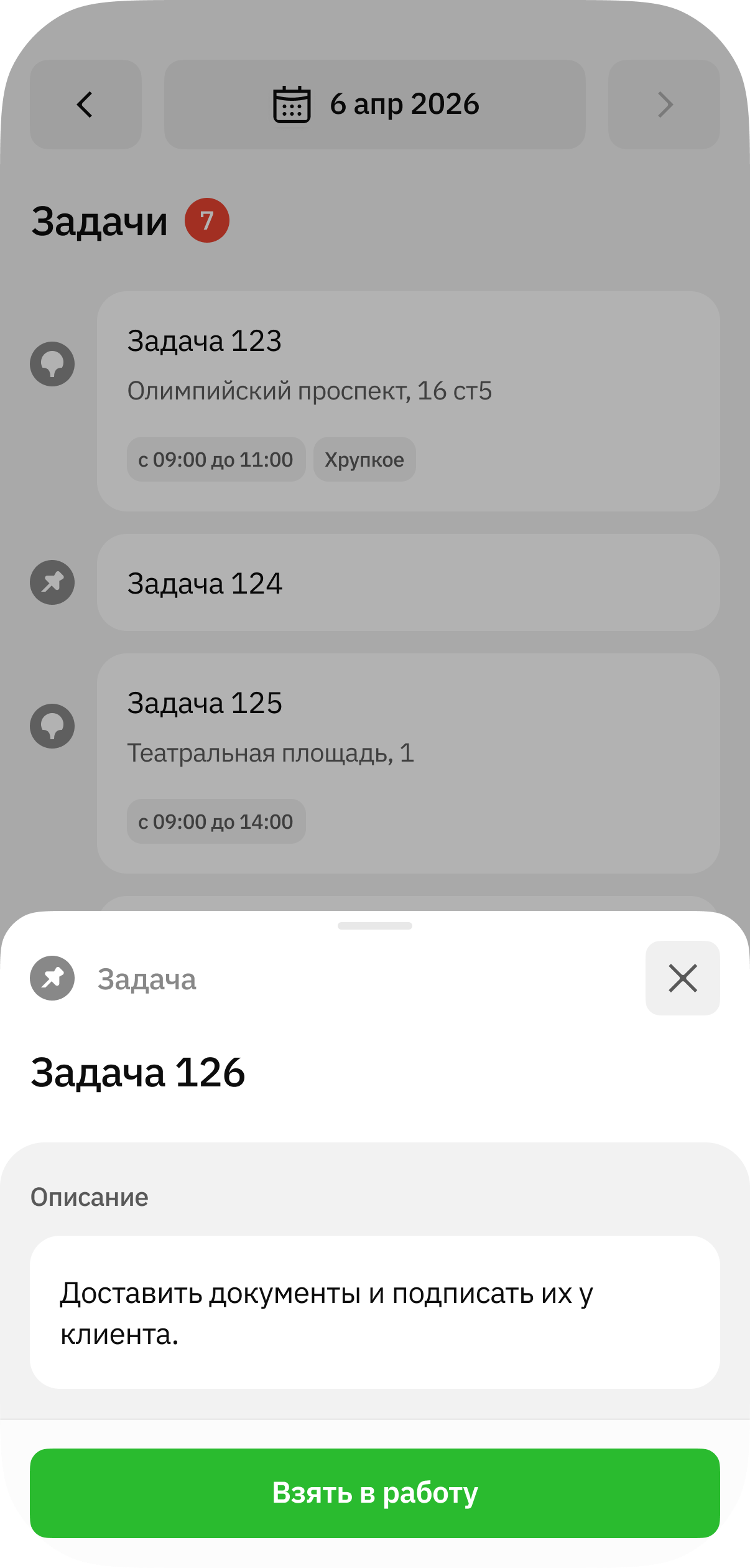
Select a task and tap Start task.
-
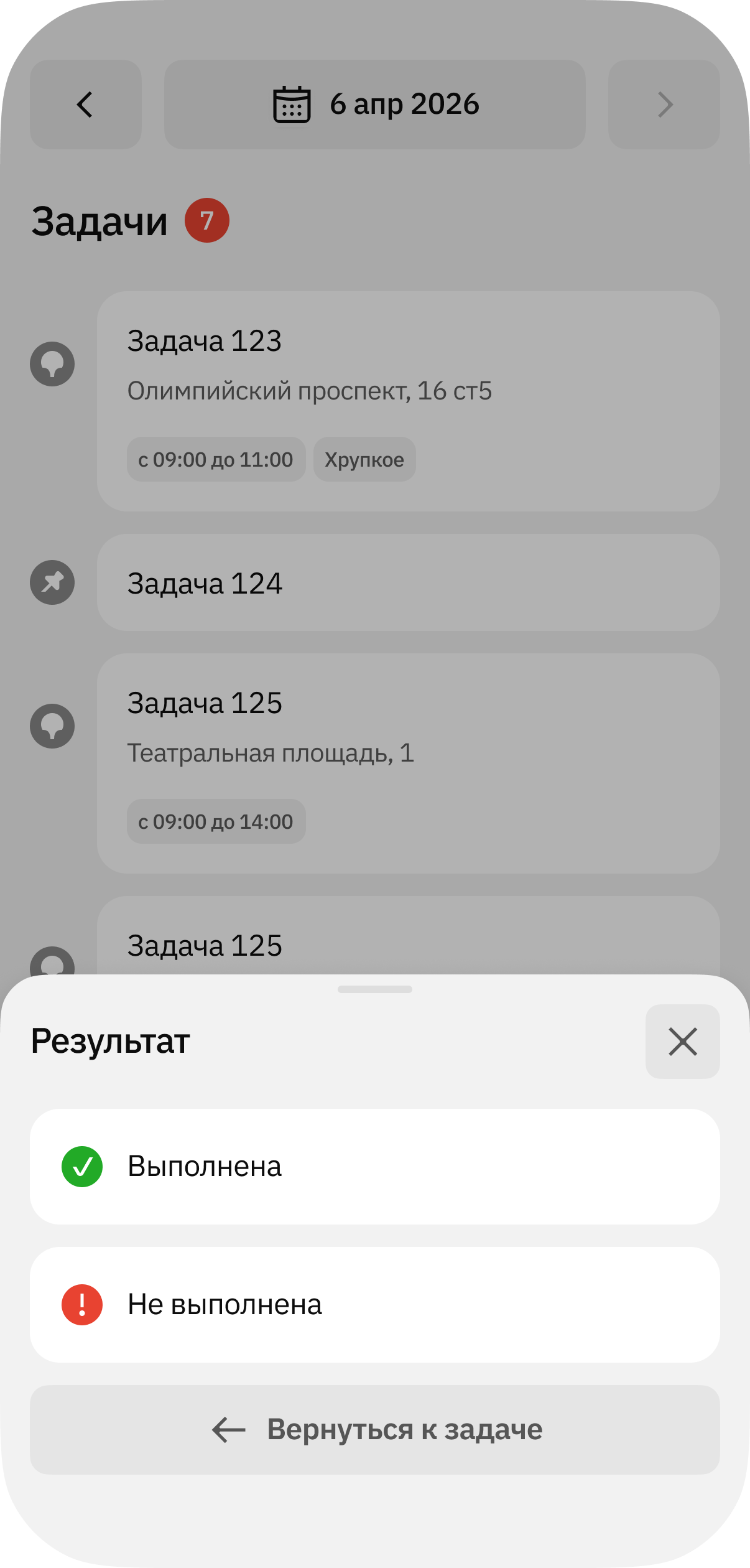
To complete work on a task, open its card and tap Finish task.
-
Select the task result status: Completed or Not completed.
Completed tasks are displayed in the Completed tab. Remaining active tasks are displayed in the Active tab.