Mobile application overview
Localization
The documentation provides a description of the interface in Russian.
The 2GIS GeoFlow: Logistics mobile application allows employees to view the map, the list of their tasks, and use the navigator to build routes when working on route plan tasks.
2GIS GeoFlow: Logistics
If 2GIS GeoFlow: Logistics is used along with 2GIS GeoFlow: Monitoring, then the mobile application records data about movements of the agent (employee or transport). This data allows administrators to track agents in real time and analyze movement history in the web panel: see the 2GIS GeoFlow: Monitoring administrator guide.
Application interface
With the Employee role, you can work with the following tabs in the mobile application:
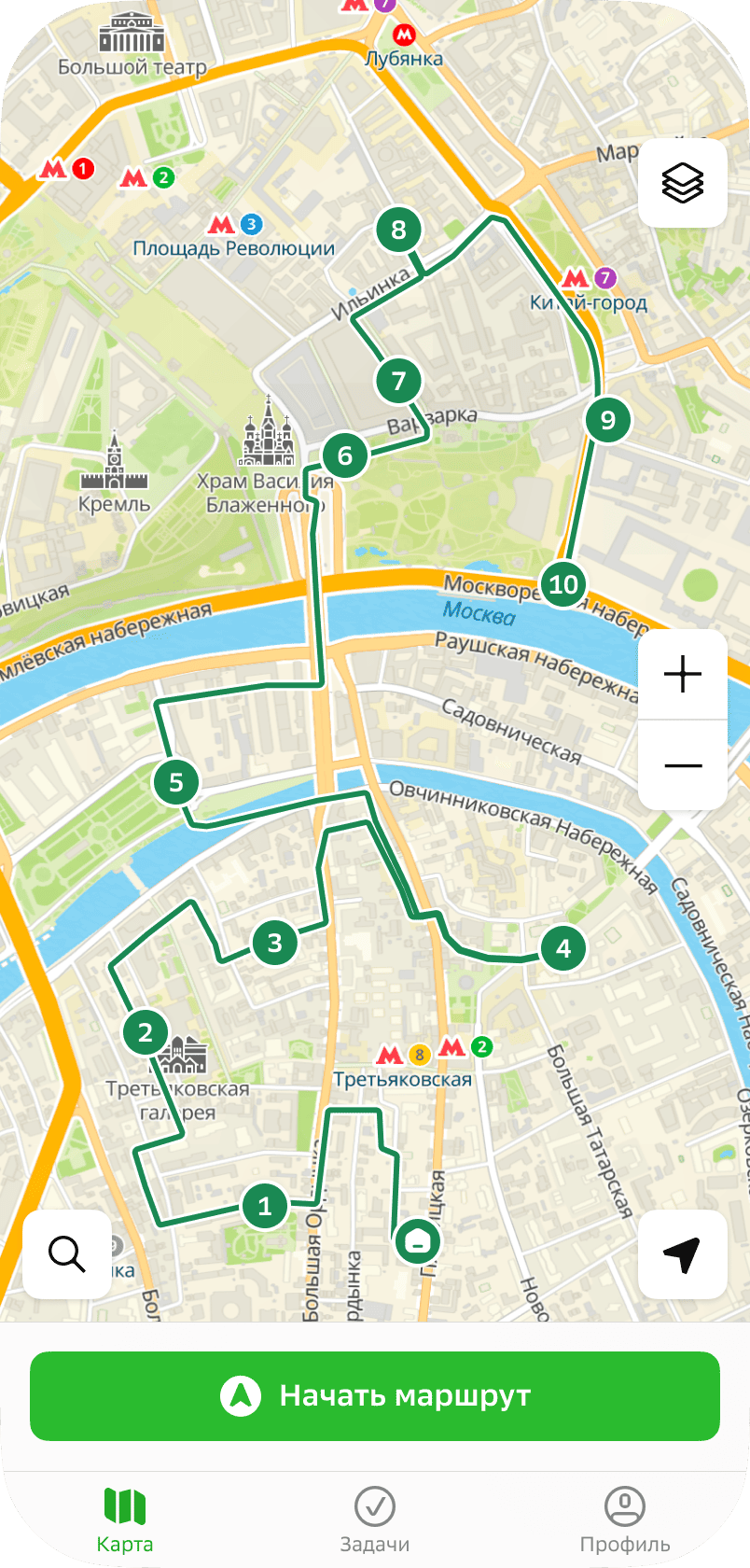
- Map: to view the map and points to visit within route plans.
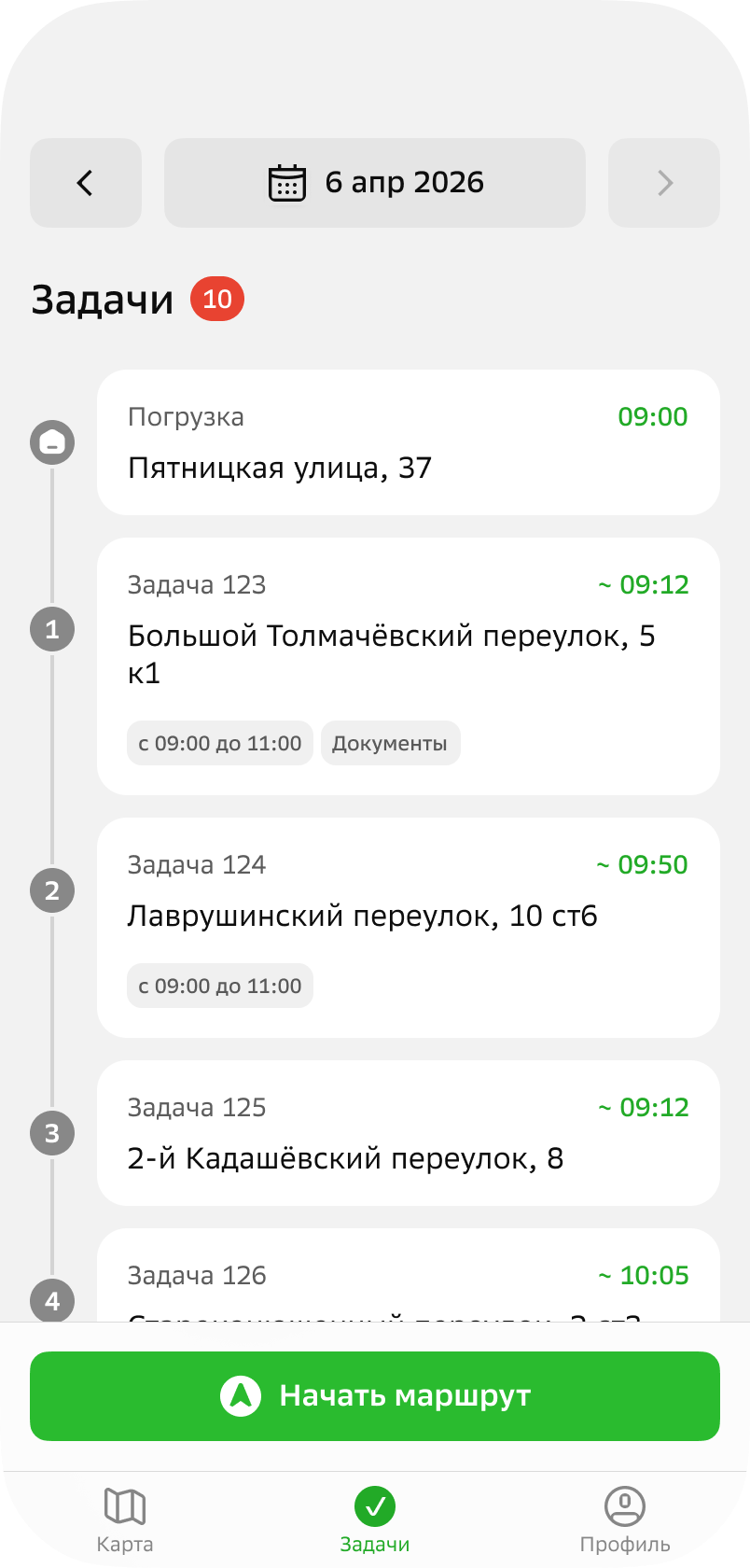
- Tasks: to view tasks within a route plan and work with them. Tasks and route plans are created by the users with the Main administrator, Company administrator, and Dispatcher roles in the web panel: see more details in the Administrator guide.
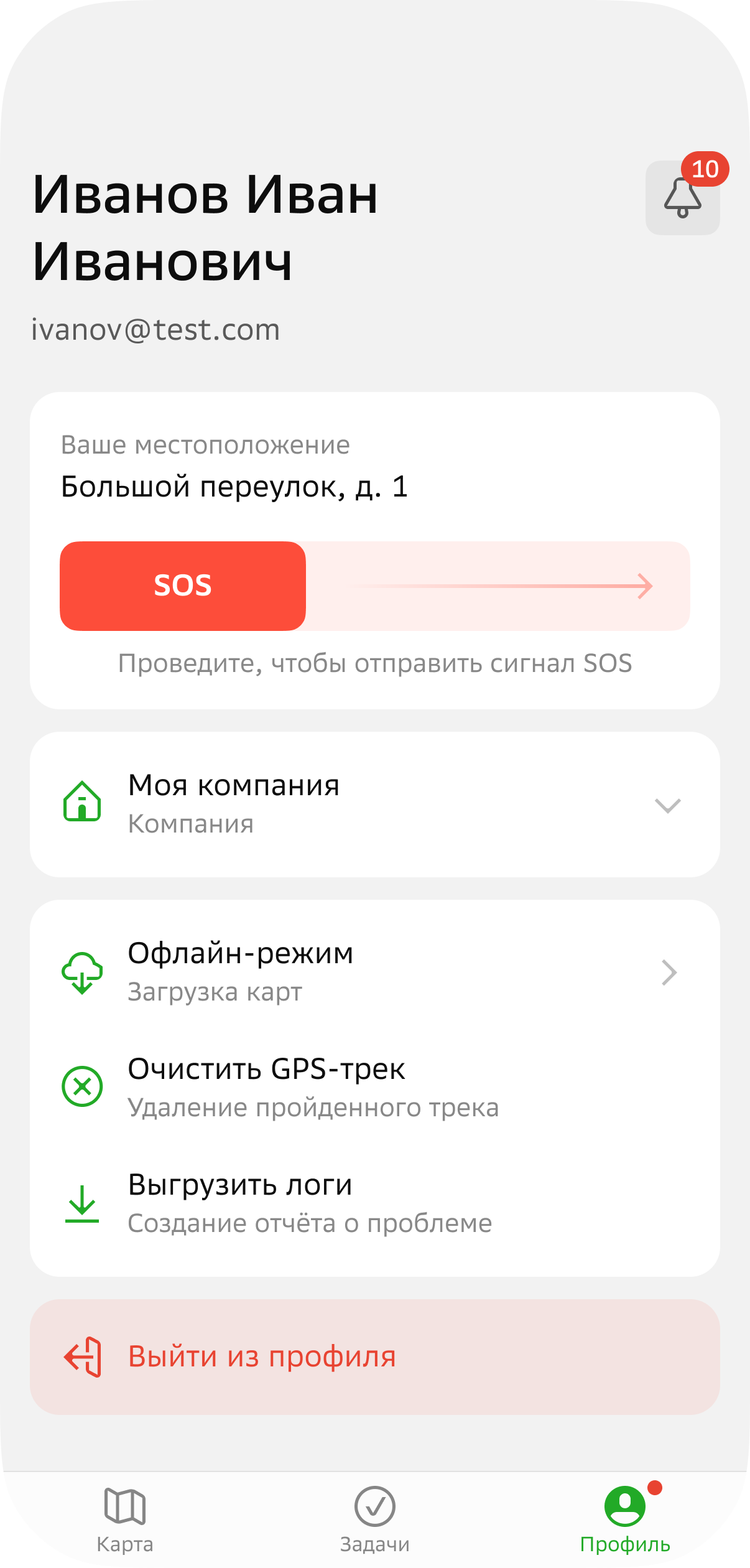
- Profile: to view notifications, manage settings, and send an SOS signal.