Objects
The documentation provides a description of the interface in Russian.
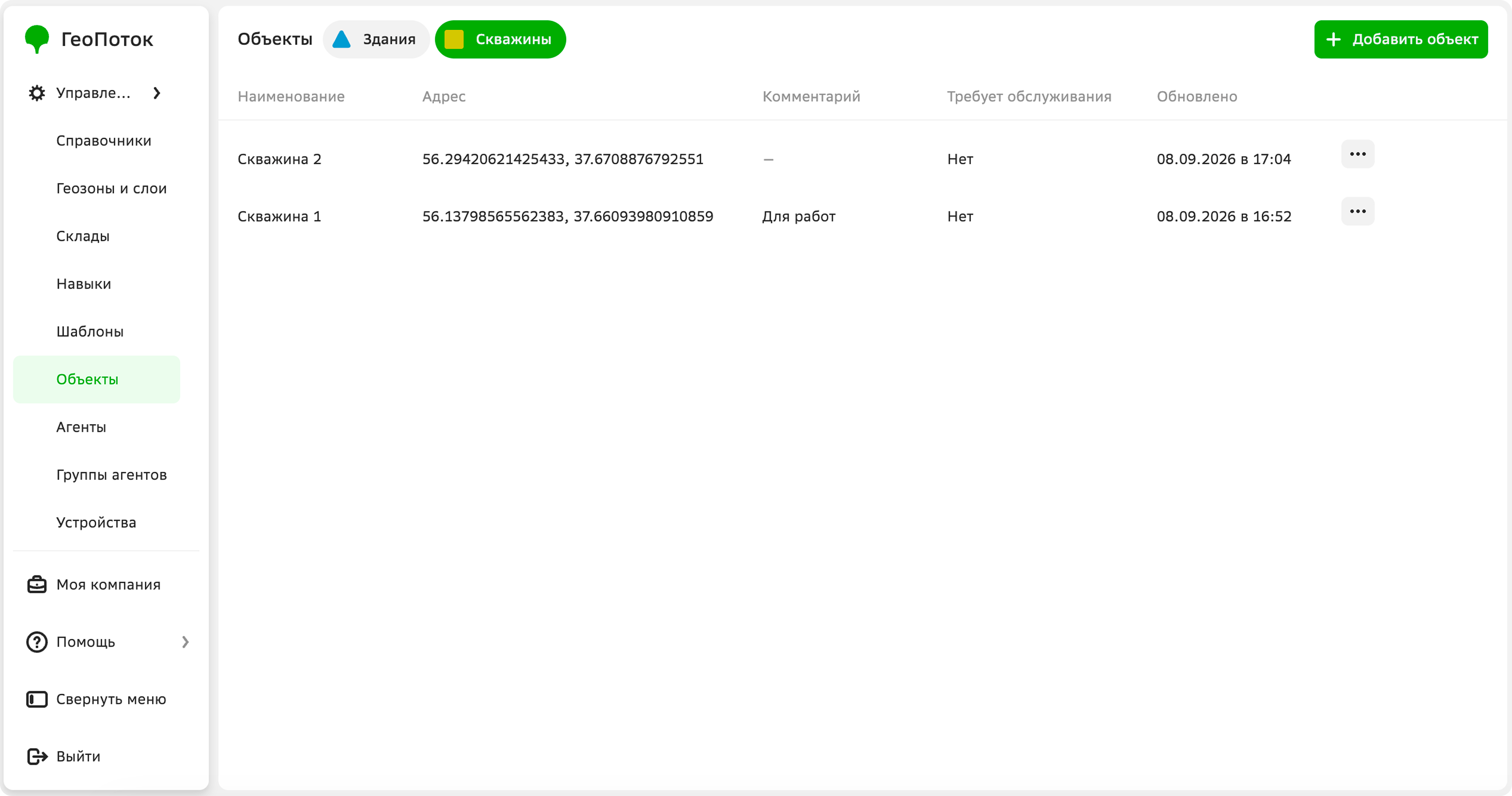
Objects are real infrastructure objects that you can place on the map and display as layers. Objects can be buildings, structures, wells, etc.
Before creating objects, create an object template. A template contains a set of attributes that are specified when creating an object.
With the Main administrator and Company administrator roles, you can work with objects on the Management → Objects tab:
With the Dispatcher and Agent group manager roles, you can view the list of objects and their information.
Creating an object
-
Go to the Management → Objects tab.
-
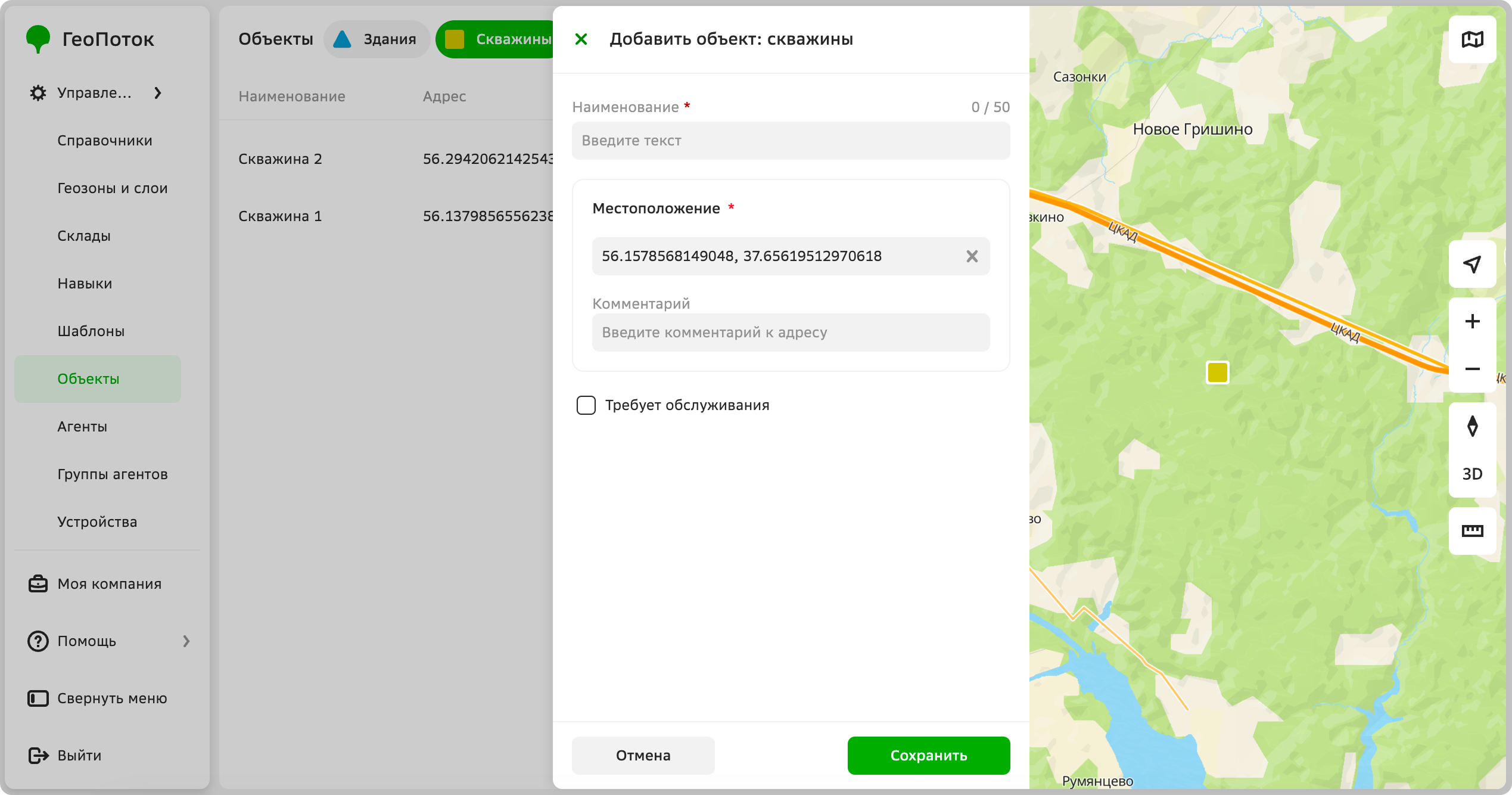
Click Add object.
-
Select or create an object template. To create a template, click Add object template: for details, see the Creating an object template section.
-
Specify mandatory object parameters:
-
Name: unique object identifier. The field may have a different name depending on the object template, for example,
Identifier. -
Location: specify the object address in one of the following ways:
- Click the point on the map. You can drag the marker icon to any location on the map.
- Enter the object address in the field and select the option from the dropdown list.
- Enter the object coordinates in the
longitude, latitudeformat (for example,37.607132,55.7680412).
-
-
Specify other attributes that depend on the object template.
-
Click Save.
Viewing object information
- Go to the Management → Objects tab.
- Open the object card. You can filter objects by object type (template).
The object card displays:
- Name: unique identifier specified when creating the object. The field may have a different name depending on the object template, for example,
Identifier. - Location:
- Coordinates: object coordinates.
- Address: object address.
- Additional: other attributes may be displayed here if they were specified in the object template.
Editing object
You can edit the name, location, and other attributes which depend on the object template.
- Go to the Management → Objects tab.
- In the object row, click
 icon and select Edit.
 - Apply changes to the object information.
- Click Save.
Duplicating an object
- Go to the Management → Objects tab.
- In the object row, click icon and select Duplicate.
- (Optional) Apply changes to the object information.
- Click Save.
Deleting an object
You cannot restore a deleted object.
- Go to the Management → Objects tab.
- In the object row, click icon and select Delete.
- Confirm the deletion.