Creating access keys
To work with the 2GIS APIs, you can create a free demo key or a production key in a subscription.
Creating a demo key
Demo keys are not available for working with the mobile SDK. Purchase a subscription and create a key within it.
A free demo key is created only once and is valid for one month from the date of creation. For each service, a limit on the number of requests applies: see the Limits for demo keys section.
-
Sign in to the Platform Manager.
-
On the Dashboard tab, click Create a Demo Key.
-
Enter the key name and click Create.
After creating the key, you can start working with the API using examples in the documentation, such as Places API request examples.
After purchasing a subscription, you can convert the demo key to a production one, which gives it access to all services in the subscription. For more details, see the Changing key mode section.
For more information about managing keys, see the Access key management instruction. You can also view statistics of limit consumption and request distribution.
Creating an API key
If this is your first subscription, the first API key is created automatically.
To create a key:
-
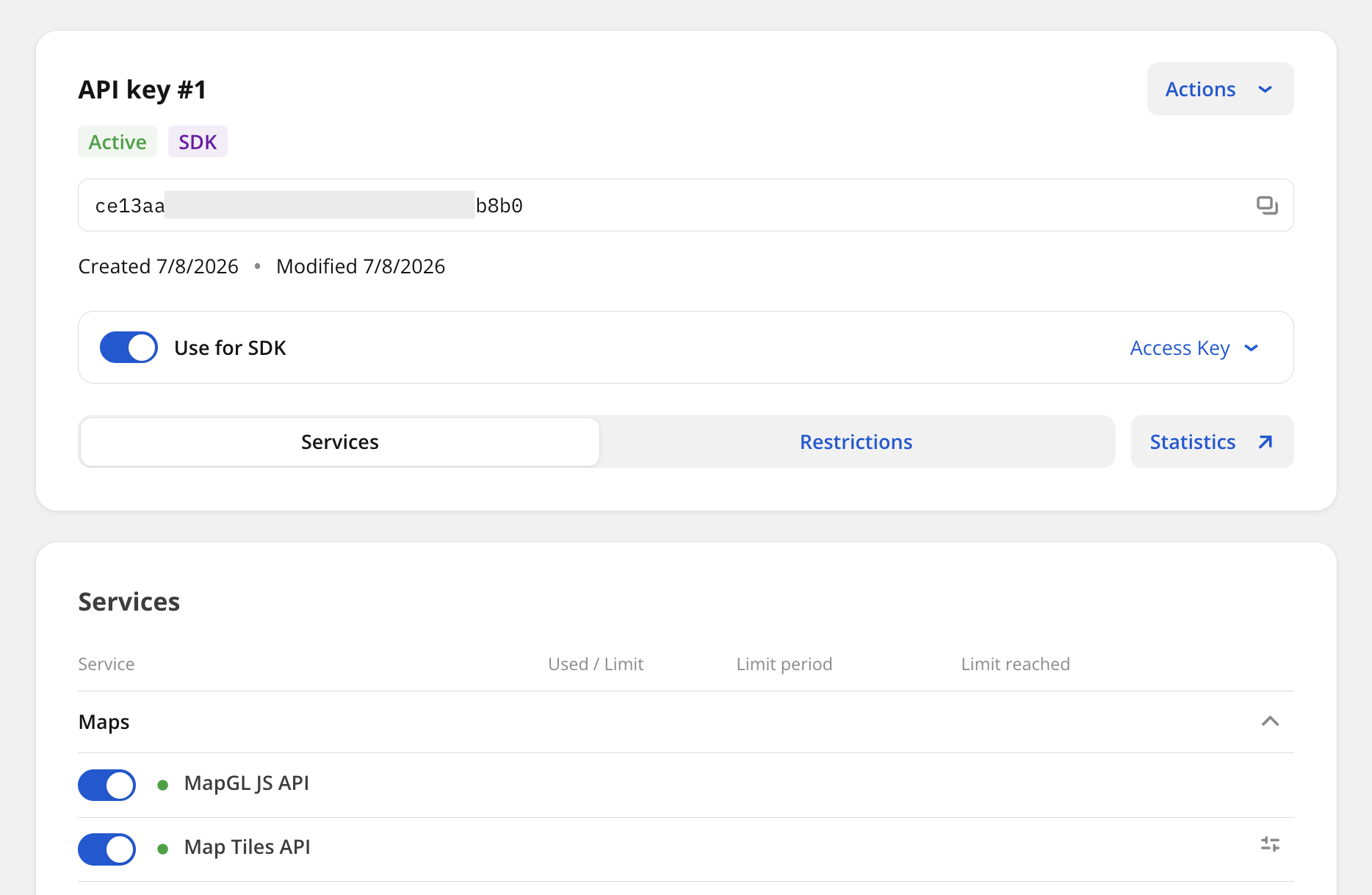
Go to the API Keys tab and click Create API Key.
-
Enter the key name and click Create.
-
If you plan to use the key for the mobile SDK:
-
Enable the Use for SDK option.
-
(Optional) To specify the App ID for which the key will be used, enable the App ID option. Specifying the App ID is required only for SDK versions earlier than 13.3.0 or if you plan to work with offline data. App ID requirements:
- For iOS
- For Android and Flutter
You can use Latin letters (A–Z, a–z), digits (0–9), dots (.) to separate segments, and hyphens (-).
For more information, see the official documentation.
- You can use Latin letters (A–Z, a–z), digits (0–9), dots (.) to separate segments, and underscores (_).
- The App ID must contain at least two segments separated by dots (e.g.,
com.example.app). Each segment must start with a letter.
For more information, see the official documentation.
warningIf the key has an App ID specified, you can only use this key for working with the mobile SDK. To work with the 2GIS API directly (via HTTP requests), create a separate key.
-
Click Save and download key.
-
-
Go to the documentation of the product you are interested in to start working with the API.
You can use the created API key to work with all services included in the subscription.
For more information about managing keys, see the Access key management instruction. You can also view statistics of limit consumption and request distribution.