Static API
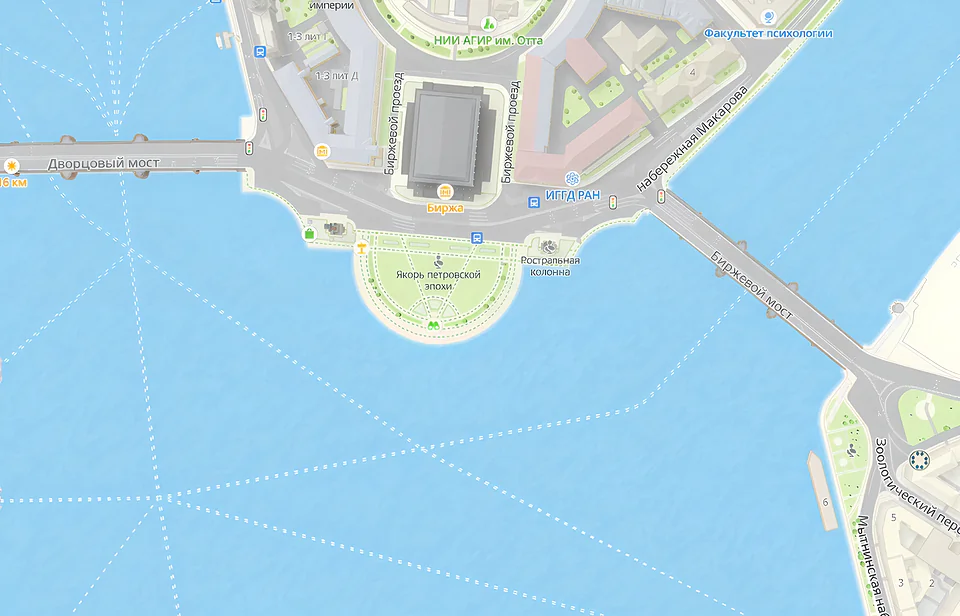
Static API service generates and displays a static 2GIS map image on web pages and in applications without using JavaScript.
The image is generated based on parameters specified in the URL: image size, map center coordinates, map zoom level, and parameters of additional objects (markers, lines, and polygons).
Use Static API in the following cases:
- on websites to show a map preview
- in applications where interactivity is not needed
- on pages to be printed out (for example, delivery sheets)
Playground
Explore how 2GIS API works in action - right in your browser, no installation required.
Getting started
Use the 2GIS MCP server to access geodata when working with AI agents.
1. Get an access key
-
Sign in to the Platform Manager.
-
Create a demo key or purchase a subscription for using API. For details on service prices, see the Tariffs section.
For more information on working with access keys and subscriptions, see the account documentation.
2. Add the map
Create a URL, add your API key, and place the URL in the <img> tag on your website or application. You can place the map image anywhere on the website.
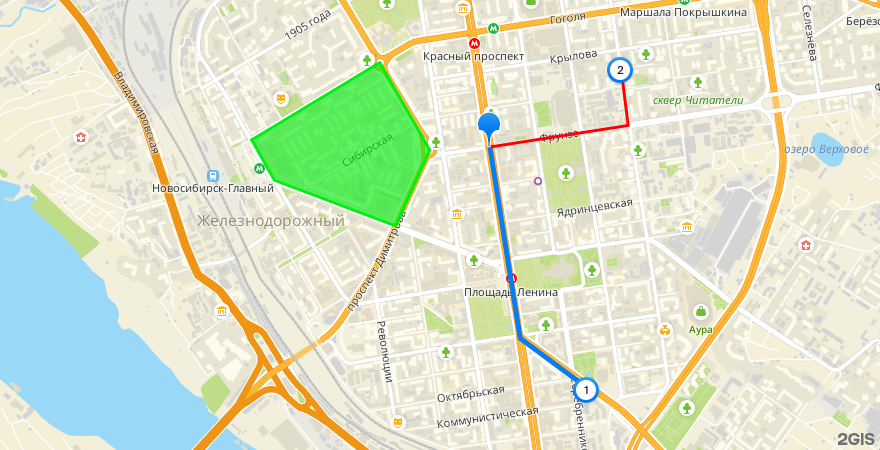
For example, the following link generates a map image with additional objects:
https://static.maps.2gis.com/2.0?s=880x450&z=14&pt=55.03652,82.91871&ls=55.03652,82.91871,55.02711,82.92131,55.02470,82.92698~w:5&pt=55.02470,82.92698~k:c~n:1&ls=55.03652,82.91871,55.03758,82.93058,55.04042,82.92996~c:ff0000&pt=55.04042,82.92996~k:c~n:2&pn=55.03687,82.89827,55.04067,82.90925,55.03636,82.91355,55.03264,82.91062,55.03489,82.90021~c:03ee10~f:03ee10a0&pt=55.03484,82.92290~k:c~c:pe&key=API_KEY
Tariffs and limits
- The service fee is calculated based on the number of successful requests per month. One request corresponds to loading one static map image.
- For demo keys and keys created in a subscription, service usage limits apply.
- See current prices and limits in the Prices instruction.
Deployment options
- Cloud-based: Static API is available through public 2GIS endpoints.
- On-Premise: Static API is available when the 2GIS API Platform is installed in a private network.
Support
-
If you have any questions while working with the API, ask AI assistant (in the lower-right corner of website), use the documentation search, or send an email to api@2gis.com.
-
If you would like to discuss the capabilities of the API or its integration with your product, please contact a manager.