Creating a widget
Widget is a visual element on a dashboard scene. You can add widgets with charts based on layer data, with text, and with indicators.
Creating a widget
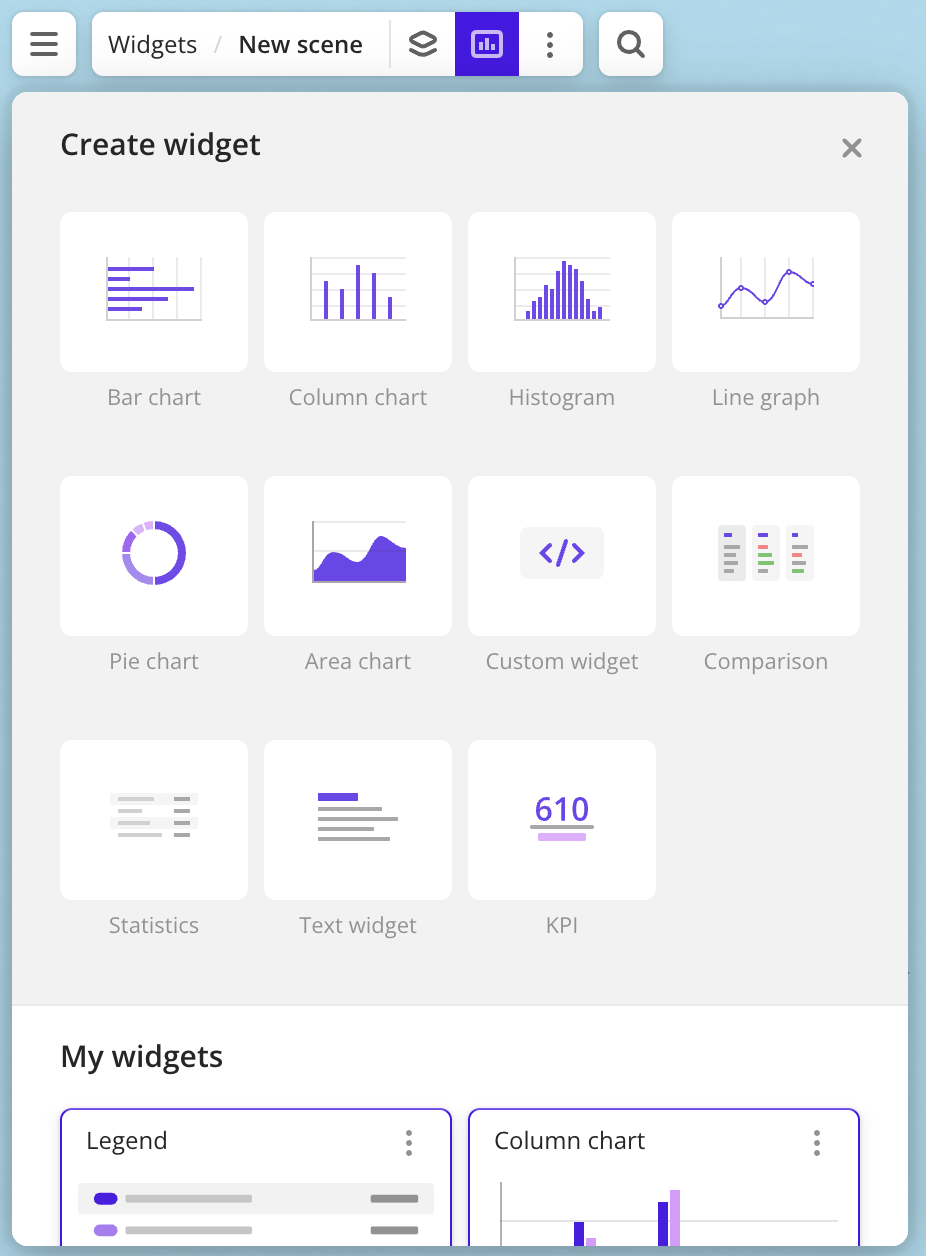
- Go to the Dashboards tab and open the dashboard.
- Open a scene using the arrows
 and
and  . If there is only one scene in the dashboard, it opens automatically.
 - In the top menu of the dashboard, click
 icon.
icon. - Select the widget type. See the full list in the User widgets section.
- Specify the widget parameters depending on the type. For a detailed description of the parameters, see the instructions for each widget type.
- Click Create.
A widget will be automatically added to the selected dashboard scene.
What's next?
- See available Operations with widgets.
- Quick start.
- Get to know how to work with Data and Data visualization.
- Learn more about Layers, Dashboards, and Scenes.
- Learn about ready-made Analytics scenarios.